Install pgAdmin 4 on Debian
Install pgAdmin 4 on Debian
pgAdmin 4 helps manage PostgreSQL servers with a web-based interface.
Setup Repositories
Install the pgAdmin public key:
1
curl -fsS https://www.pgadmin.org/static/packages_pgadmin_org.pub | sudo gpg --dearmor -o /usr/share/keyrings/packages-pgadmin-org.gpg
Add the repository and update:
1
sudo sh -c 'echo "deb [signed-by=/usr/share/keyrings/packages-pgadmin-org.gpg] https://ftp.postgresql.org/pub/pgadmin/pgadmin4/apt/bookworm pgadmin4 main" > /etc/apt/sources.list.d/pgadmin4.list && apt update'
Install for web mode:
1
sudo apt install pgadmin4-web
Other install options:
1
2
3
4
# Desktop mode only
sudo apt install pgadmin4-desktop
# Both desktop and web
sudo apt install pgadmin4
Post-Installation Setup
Run the setup script to configure the web server:
1
sudo /usr/pgadmin4/bin/setup-web.sh
Access pgAdmin at http://127.0.0.1/pgadmin4.
(Optional) Change URL Base Path
To run pgAdmin at the root URL (without /pgadmin4 suffix):
1
sudo nano /etc/apache2/conf-available/pgadmin4.conf
Replace:
1
2
3
4
# From original
WSGIScriptAlias /pgadmin4 /usr/pgadmin4/web/pgAdmin4.wsgi
# Changed to
WSGIScriptAlias / /usr/pgadmin4/web/pgAdmin4.wsgi
Restart Apache:
1
sudo systemctl restart apache2.service
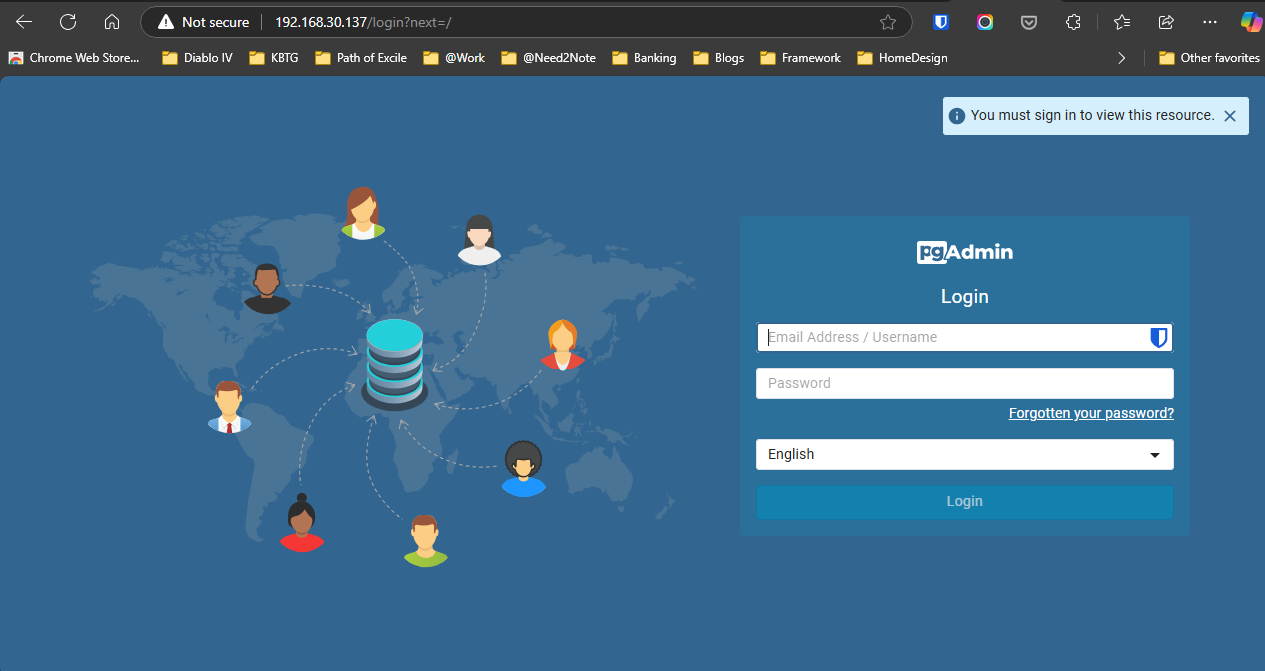
Access pgAdmin at http://127.0.0.1.
References
This post is licensed under CC BY 4.0 by the author.